Adding media to your website builder can be fun an give clients an extra understanding of what services and products you have on offer.
STEP 1:
On your builder, click on the Media button.
-ts1587397902.jpg?ts=1772130557)
STEP 2:
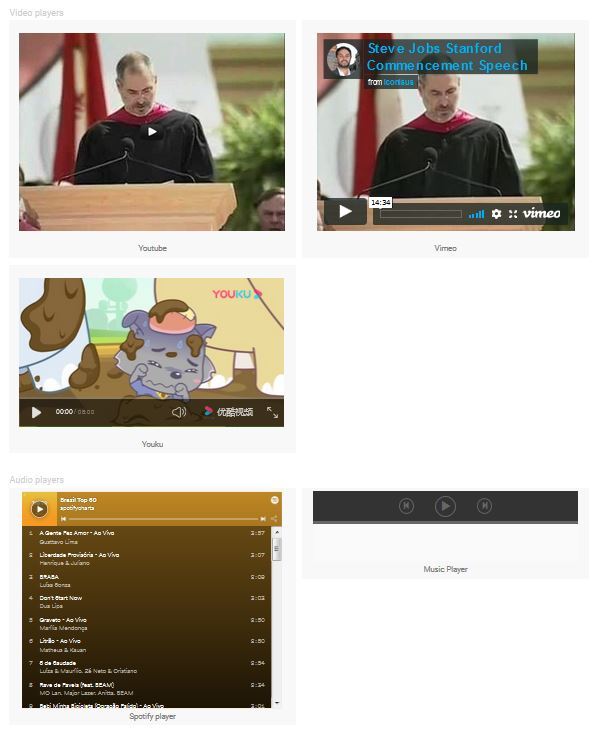
You have a few media options to choose from. Select the media you would prefer and right click on properties once you have added the media to your page.
-ts1587397898.jpg?ts=1772130557)
STEP 3:
Once your properties box appears, you can upload the URL or ID of the video you would like to ad.
-ts1587398906.jpg?ts=1772130557)